Monday, 26 January 2015

Emulations

From my copy of William Dalebout I decide to emulate that this into my timeline infographics.
ADD PICTURES OF PENCILS


I first used the eyes looking at the greens and purples in a radial gradient. I then created a clipping mask, to create the lines.


I then placed the iris' into the eye adding light and dark gradients with vectors. After this I edited further changing where the light and dark areas are as well as adding shadow and contrast.


I then worked on the lips. Although, I drew out curvy lips with light and dark areas I felt that a u shaped bottom was more appealing and looked better.


I then looked at light and dark areas of the face. I added blusher through a Gaussian Blur for the cheeks and lowered the Opacity. I also added two layers to define specific areas.

When I was happy with the face, I then looked at the hair. I decided I wanted it more symmetrical so I reflected the piece on the left hand side. I also added hair strands.

I then added strands within the hair, I did this using vectors and applying gradients which I then edited angle and size.


Sunday, 25 January 2015

Further Research

I decided to develop the history of the perfect body further and found some very interesting videos and information. I then summarised these into dates.


Saturday, 24 January 2015

Digital Type choices

I printed of different digital type some for display type and other from text. I then evaluated them so that I could decide what to do in my final piece.


Friday, 23 January 2015

Further Drafting

To develop my drafting further, I looked at the layout of my timeline draft. I did this by cutting out my drawings and arranging them on the table.


This is from previous scamps, this is a good layout as it follows the line well and has a strict grid system


This is a longer rectangular box with a very strict grid. I would prefer it to flow better.

This spiral is interesting as as it is original and unique. I feel that this would be much better with a stricter grid.

This grid is my favourite as it has a grid system as well as flowing well through the timeline.


From this experiment I created this draft


Wednesday, 21 January 2015

Hand Drawn Typeface

Follow Joey Mcaleese's board Typeface on Pinterest.


I first inked the text and evaluated the strokes.


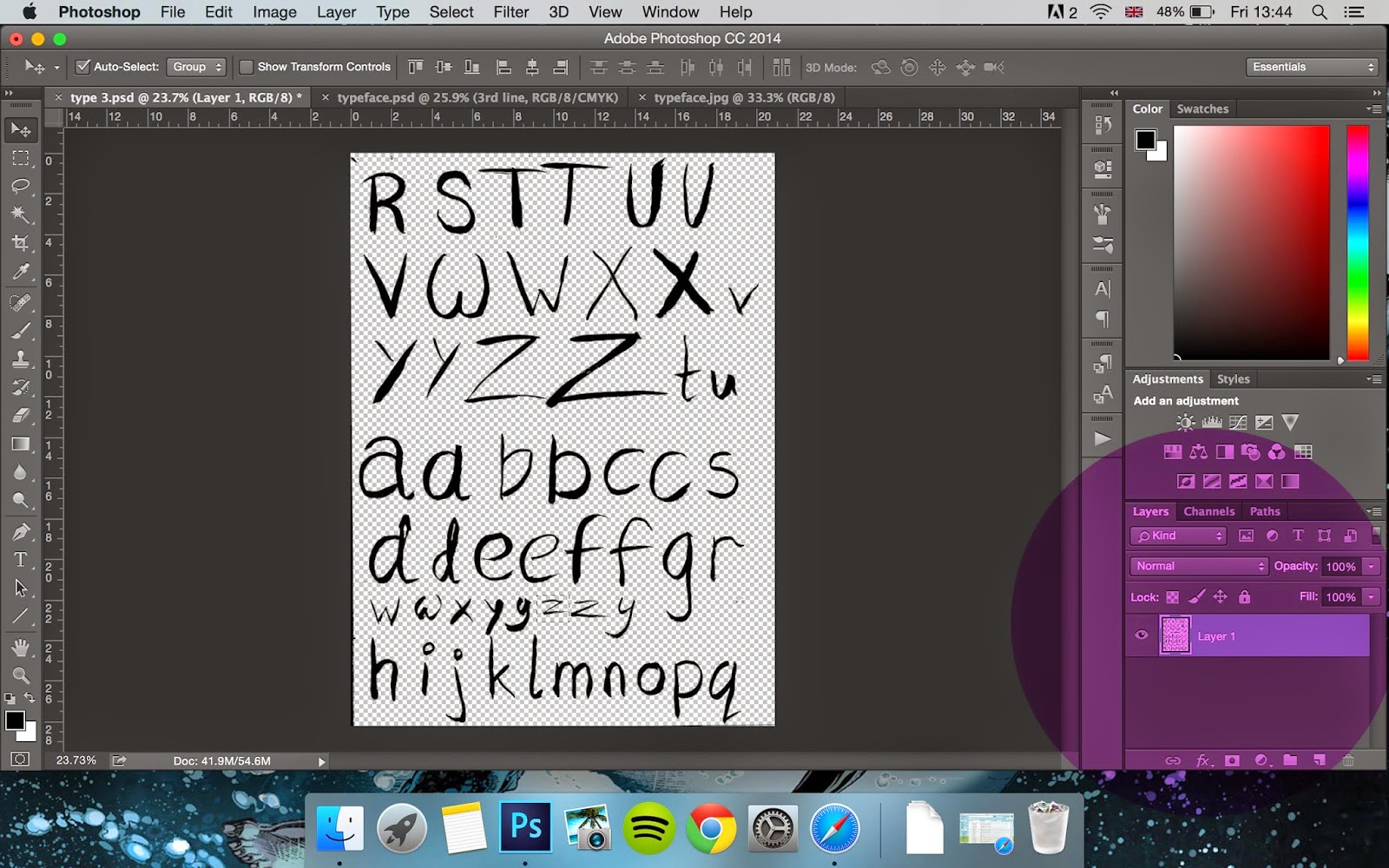
 I scanned in the image and changed the levels and removed the white areas.

I then placed them all into one document, centre alligned.


I then transferred the document into Illustrator so that I could vector the text.

I did this by tracing the lines with the help of the trace button.

I then simplified the paths making for a more abstract unique style as well as lowering the amount to curves.

This is how my final piece turned out.


Digital Typeface

I wanted to create a digital type that symbolises perfection being altered. I chose a typeface that was perfect with clean lines and lots of contrast and scanned it into the computer.
I then traced the image in illustrator to create a vectored typeface.

 I then edited a brush making it scatter more and jitter so that it's has random scratches.

I did this to all the alphabet.


 I then used a different brush to destroy the outline so that it looked less perfect and more pressed badly.

Final typeface:

Tuesday, 20 January 2015

Kathryn Rathke

Kathryn Rathke was is a vector illustrator who originally trained as a set designer. She produces this images mostly for newspapers and magazines. Everything is created in photoshop and illustrator, taking many drawings of her subjects so she know which areas are defined.


Monday, 19 January 2015

Rathke Emulations

I first tried to draw out the image so I can understand the facial features.


Firstly, I created a set of brushes that I could use. I changed the shape and thickness of the lines so I could manipulate the textures in the image.

I also adjusted the width so that there was different thickness as well as the texture. 

I then started to trace and manipulate the picture I took. 

I started to remove the image so I could understand how the image can be see. I also kept changing brushes to change the look and feel of the line.

This is how my first draft was like. This was good but I felt there needed to be more hair and softer line with the eyebrows.

I did this by using to brushes and merging the two lines together.

At this point I was happy with the basic outlines.

I then thought about colours and backgrounds. 

I had to adjust the setting in the option so that I was able to have coloured brushes

I then worked in the 3 colours as well as a grey shade. This added much more texture to the image and interest. I also tried adding a jumper, With and without.

Here is my Final piece.